Why the Work Should Stay in the Room
The Quiet You Only Notice When It Goes
Swoosh gives you PDF tools that run in your browser: merge, compress, combine and rotate a file right where you are, with no upload and no waiting, then get back to what you were doing. Here is why keeping the small paper jobs on the machine in front of you is simply the easier way to work.
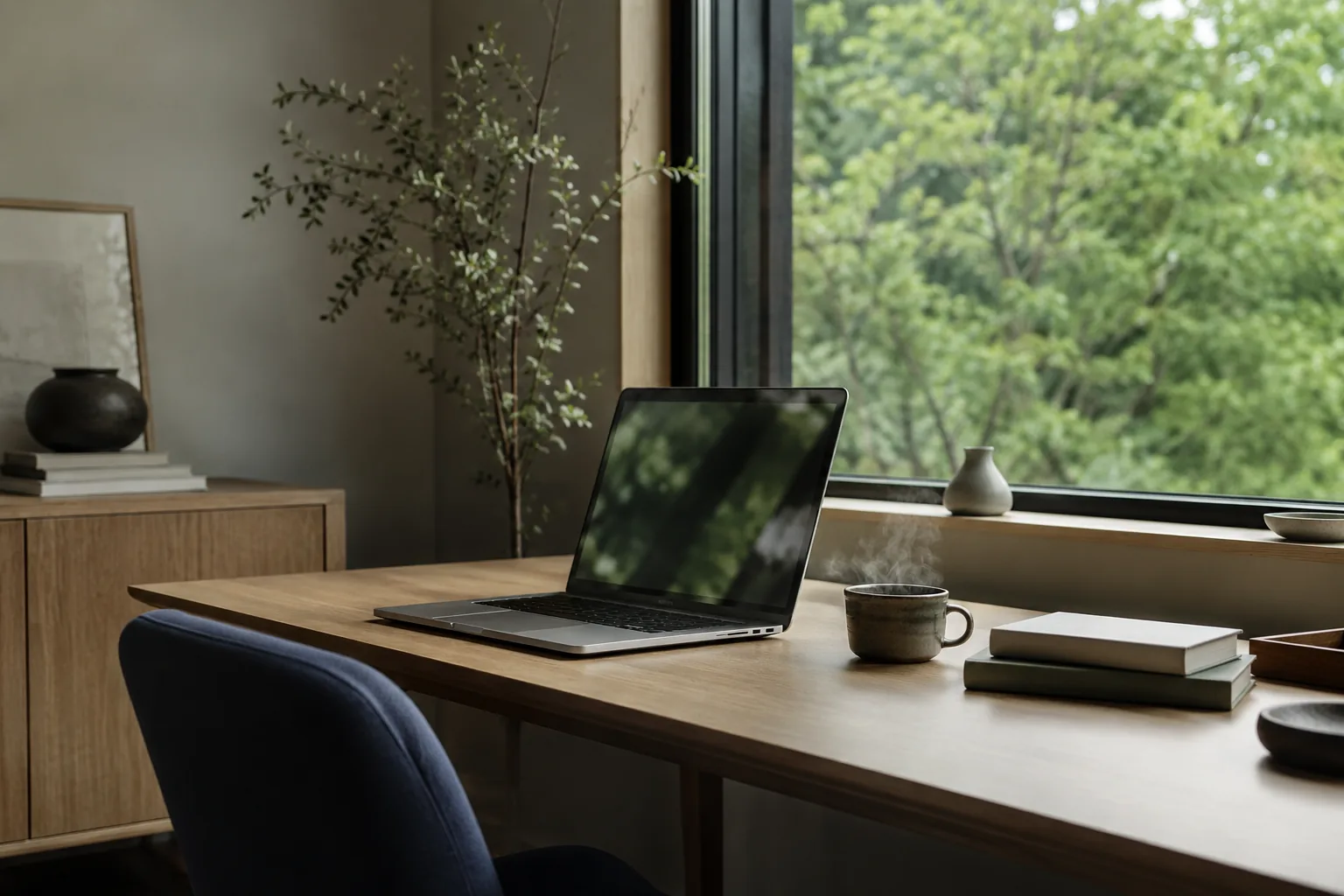
There is a particular calm to working at a desk by a window, the morning light coming in soft across the keyboard, a cup of tea going cold beside you because you got absorbed. Nothing is rushing. The work is in front of you and it stays in front of you. You can hear yourself think.
Most of us have lost a version of that calm without quite noticing when. You go to do a small, ordinary thing, merge two PDFs, shrink a file so it will send, and somewhere in the middle of it the work leaves your desk. The file goes up to a server, you wait on a progress bar, you wait again to pull the result back down, and sometimes you make an account before any of it will start. The job gets done, eventually. But a job you could have done right where you sat became a small errand, for no reason you could quite name.
This is about the difference between that, and the work simply staying where you are.
What "in Your Browser" Actually Means
When a tool runs in your browser, the work happens on the machine in front of you. Your laptop already knows how to do a great deal. Merging two documents, rotating a page, combining a few photographs into a single file, compressing something so it will fit in an email, these are not heavy tasks. They do not need a distant data centre. They can be done right here, by the browser you already have open, without the file being uploaded anywhere first.
So when we say a tool runs in your browser, it is not a slogan. It is a plain description of how the job is done. There is no upload step, which means no progress bar crawling along, no second wait while the result comes back, and nothing to sign up for before you begin. You drop the file in, the work happens, you take the result.
It is the same few steps whatever the job:
1. Open the paper tool you need, whether that is merge, compress, combine or rotate.
2. Drop your PDF or images straight into the page.
3. Take the finished file, with no upload and no wait in between.
The Case for PDF Tools That Run in Your Browser
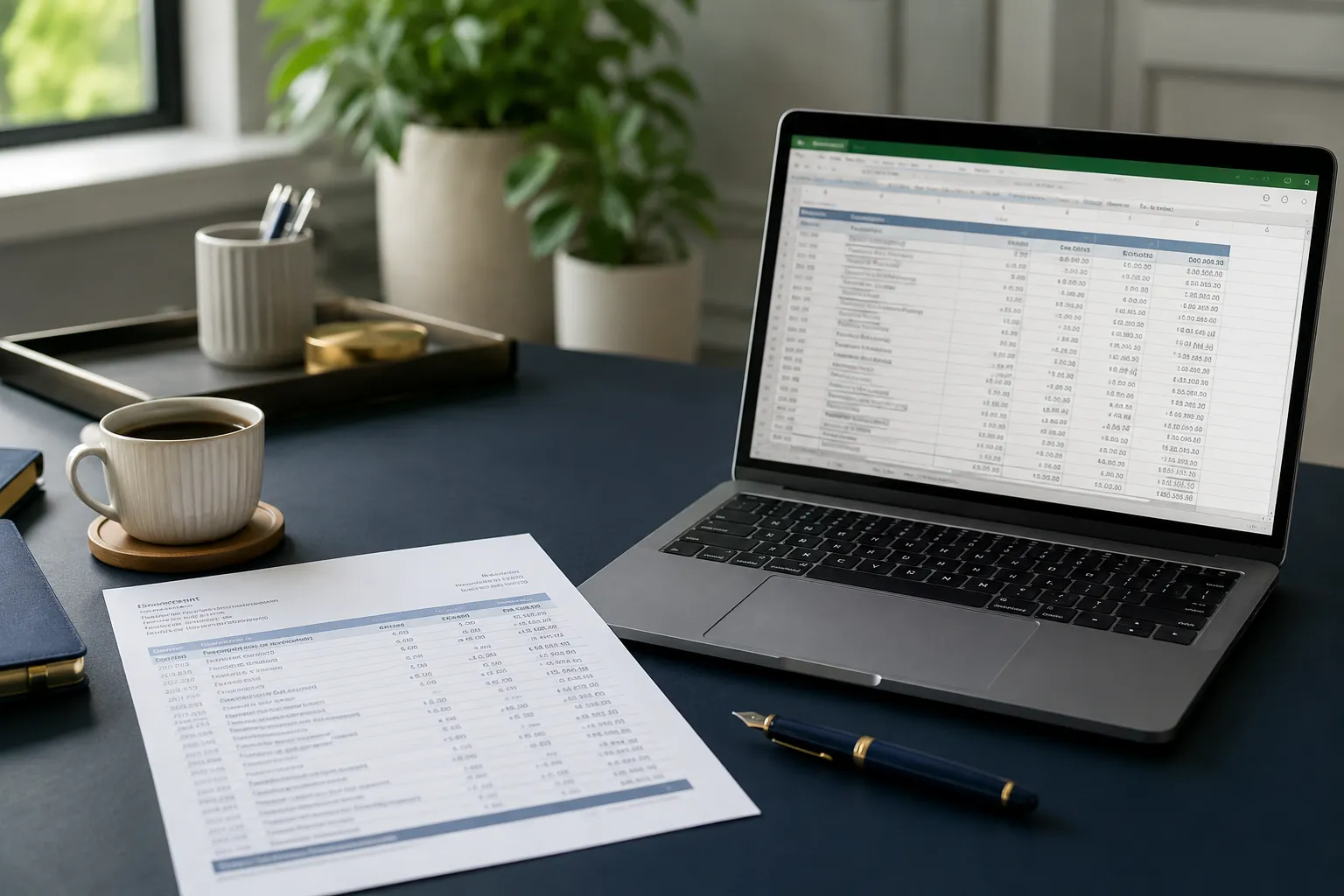
Most days, the documents are dull. A utility bill, a scanned form, a contract for something perfectly ordinary. The job is just as dull: make two files into one, shave the size down so it will send, turn a page the right way up. Small jobs, the kind you want done in the time it takes to think of them.
That is the case for keeping them in the browser. A tool that runs where you are has no upload to wait through, and no download to wait through after it. There is nothing to sign up for, nothing to install, no tab left spinning while a server somewhere gets round to you. It will even work on a train with no signal, because nothing was being sent away in the first place.
So the calmer position is a practical one. If the work can be done on your own machine, let it be. Not out of suspicion, but because the extra steps were never buying you anything. The small, ordinary jobs that paper demands stop being errands and go back to being what they should be: done in the moment, and forgotten.
Less Between You and the Job
You can tell when a tool is making a small job bigger than it is. There is an account to create, a plan to dismiss, a banner to close, an upload to babysit, then a download to go and find in your folder afterwards. None of it is the job. All of it is around the job, and it adds up across a day.
Running in the browser is the other way round. There is simply less between you and the thing you actually wanted to do. You open the tool, you drop the file in, you take the result, you close the tab. That is the whole transaction.
And the feeling that comes with that is the same quiet you get from the desk by the window. The work is in front of you. It stays in front of you. You do the small, ordinary jobs that paper demands, and then you get on with your day.
A Few Questions People Ask
Does my file get uploaded?
For the everyday paper tools, merging, compressing, combining images, rotating and the rest, no. The work happens in your browser, on your own device, so there is no upload to sit and wait through. You can do the whole job offline, in fact, and it will still work.
Do I need to be online?
For these everyday jobs, no. Because nothing is being sent away, the tools work whether or not you have a connection, on a train or a plane as happily as at your desk. There is no upload or download to wait on either, so the job is done right where you are.
Why would I ever need a tool that does send a file?
Some heavier work, reading a difficult scan or rebuilding a complex document, calls for more than the browser alone. Where that is the case it is made plain, and you choose it knowingly. The principle holds the other way too: if a job can stay on your own machine, it stays there.
Want the small paper jobs done without an upload or a wait? All paper tools, running right in your browser.