Receipt scanner
Snap a receipt, get structured expense rows with merchant, date and total.
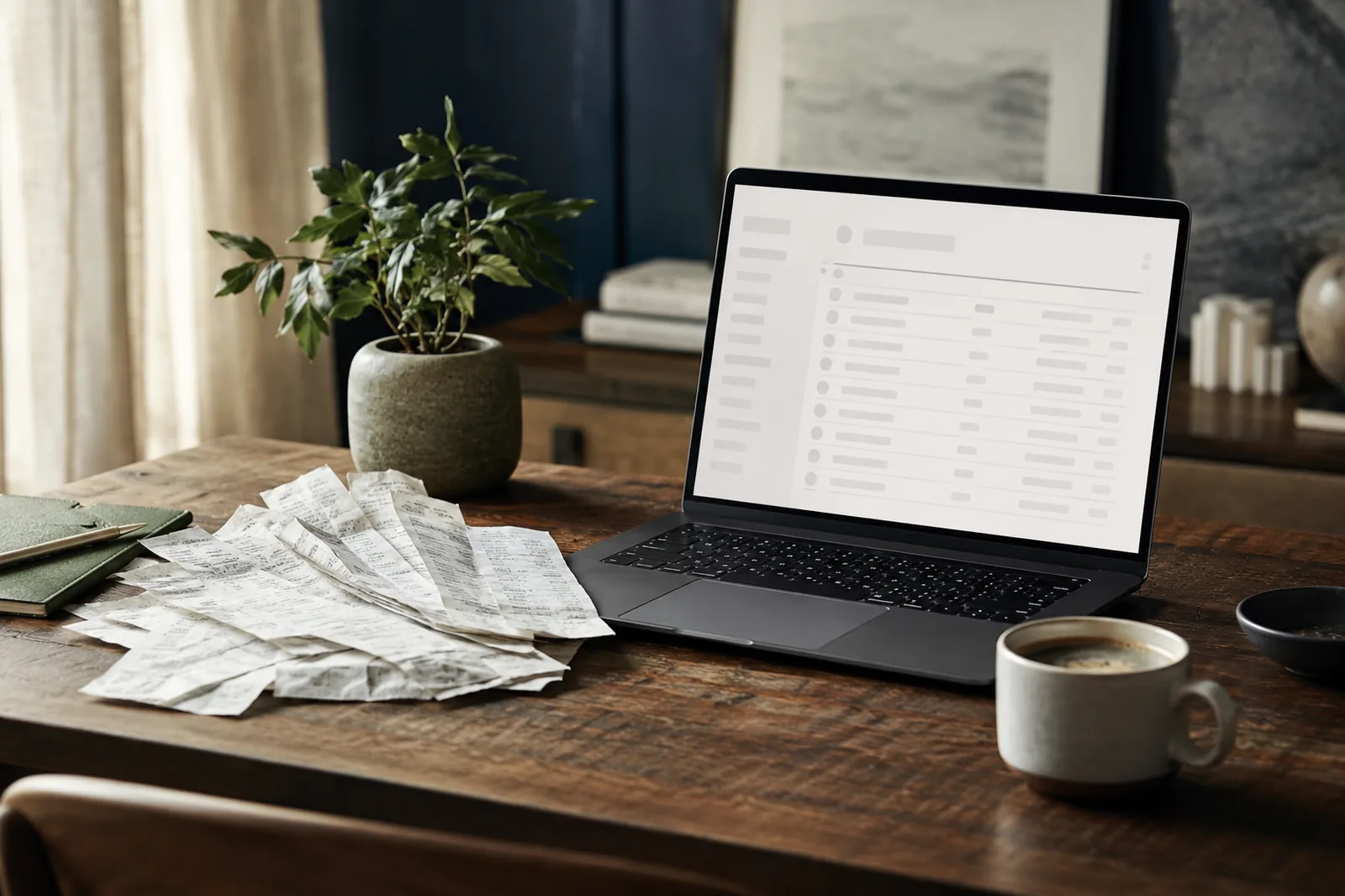
Drop your coffee shop receipt and read it back as structured, searchable text — paragraphs, bullets and tables preserved, ready to copy, export or send.
Scan a receipt
Free - 5 a day, no sign-up. Sign in for 20 a day. Merchant, date, items and totals, copyable.
Go further with Pro
Batch a stack of receipts into one expense CSV, ready for your accounting tool, on our high-detail engine. £9.99 a month, cancel anytime.
Your image is sent to our reading model to do the work, then discarded — not stored, not used to train models.
Built for receipt scanner.
Returns structured rows - merchant, date, total - you can export as CSV
Handles thermal-print fade and creases
Detects the currency on the receipt
Bulk upload on Pro for expense reports
How reading works
Drop an image or PDF
Photos, scans and multi-page PDFs all work. No save dialog, no account.
We read the page
Layout, tables and structure are preserved — not just a flat dump of words.
Copy, export or send
Text, Markdown or CSV out — or push the originals into a transfer.
Frequently asked
→Can I bulk-scan a stack of receipts?
Free does one at a time. Pro lets you drop a stack of up to 20 receipts and get one combined export.
→Does it work for non-English receipts?
Yes - the high-detail engine handles many non-English receipts on both the free and Pro tiers.
→What about expense apps?
Pro exports a clean CSV you can import into most expense and accounting tools.
Related readers
Read it, then send it.
One suite reads your documents and ships them — no jumping between tools.