Edit PDF
OCR your PDF and edit the text inline, then re-export — free.
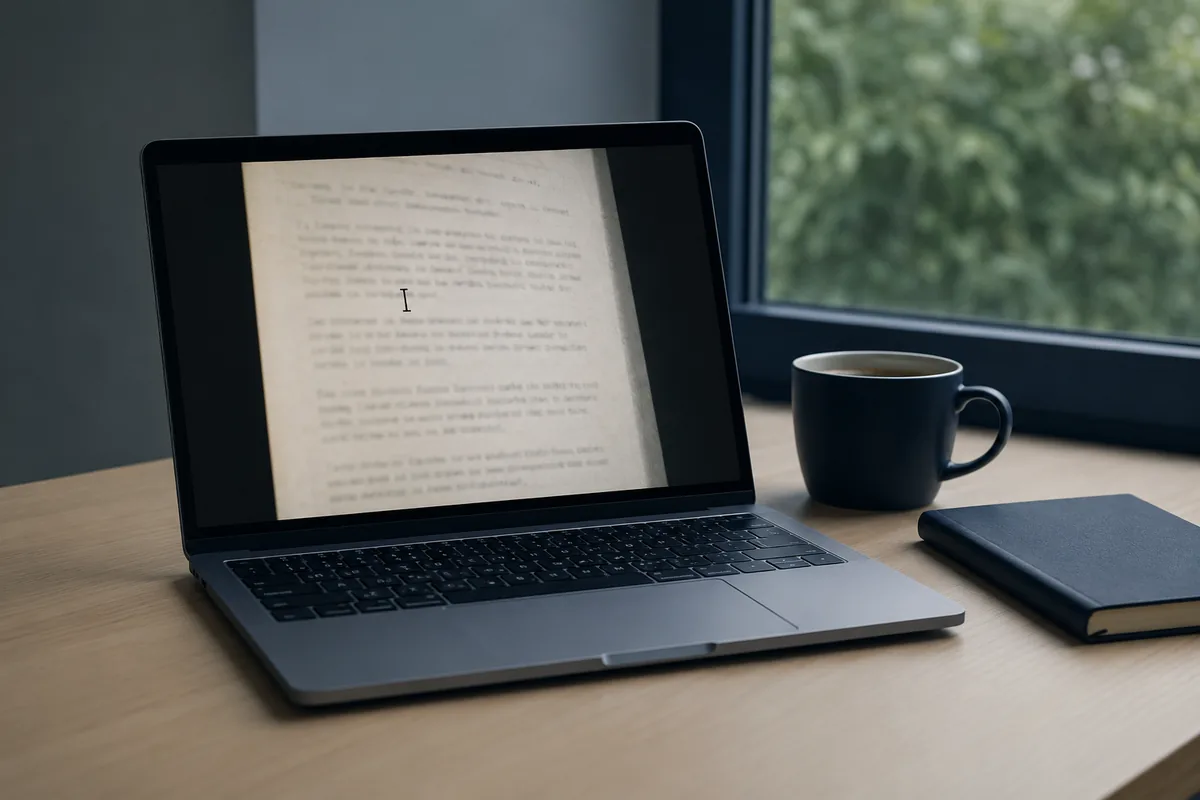
Drop your scanned document pdf and read it back as structured, searchable text — paragraphs, bullets and tables preserved, ready to copy, export or send.
Edit this PDF
Free - 5 a day, no sign-up. Sign in for 20 a day.
Go further with Pro
Unlimited reads on our high-detail engine, batch a stack at once, and export clean CSV, Excel or Word. £9.99 a month, cancel anytime.
Your image is sent to our reading model to do the work, then discarded — not stored, not used to train models.
Built for edit pdf.
Reads what legacy OCR gives up on — faded prints, image-only pages, old scans
Edit the recognised text inline, then re-export the PDF
Keeps the original page image behind a searchable text layer
Larger files on Pro
How reading works
Drop an image or PDF
Photos, scans and multi-page PDFs all work. No save dialog, no account.
We read the page
Layout, tables and structure are preserved — not just a flat dump of words.
Copy, export or send
Text, Markdown or CSV out — or push the originals into a transfer.
Frequently asked
→Does it work on any PDF?
Yes — upload any PDF. The high-detail engine OCRs each page image, so it handles both image-only files and born-digital PDFs equally.
→Will the edited PDF look like the original?
Yes — the original page image is kept and the recognised text sits in a searchable layer over it.
→Can I edit forms?
You can edit visible text. Fillable AcroForm fields are on the roadmap.
Related readers
Read it, then send it.
One suite reads your documents and ships them — no jumping between tools.