Why Acrobat Won't Let You Edit That Scan
The short answer to why Adobe Acrobat can't edit a scanned PDF: a scan is a photograph of text, not text, so there are no characters in the file for the cursor to land on. The fix is to read the image back into real words first, which is exactly what Swoosh's edit a scanned PDF tool does. The essay below explains why the scan behaves like a picture, and how to get past it.
The Cursor That Will Not Land
You have the PDF open. It is a contract, or a form, or a letter someone scanned and sent over, and there is one wrong line in it. A date. A spelling of your name. A figure that should have a different number of zeros. You click into the text to fix it, the way you would in any document, and nothing happens. The cursor will not land. You try the edit tools, you try clicking more precisely, you zoom in until the letters go soft, and still the page sits there, perfectly readable and completely untouchable.
It is one of the small, baffling frustrations of working with paper that has been through a scanner. The page looks exactly like a document. It behaves like a photograph.
Once you understand why, the whole thing stops being mysterious, and the way around it becomes obvious.
A Scan Is a Photo of Text, Not Text
Here is the heart of it. When you type a document, the file knows the letters. It is storing the actual characters, the word invoice, the date, your name, as text. That is why you can click into it, select a word, change it, search for it.
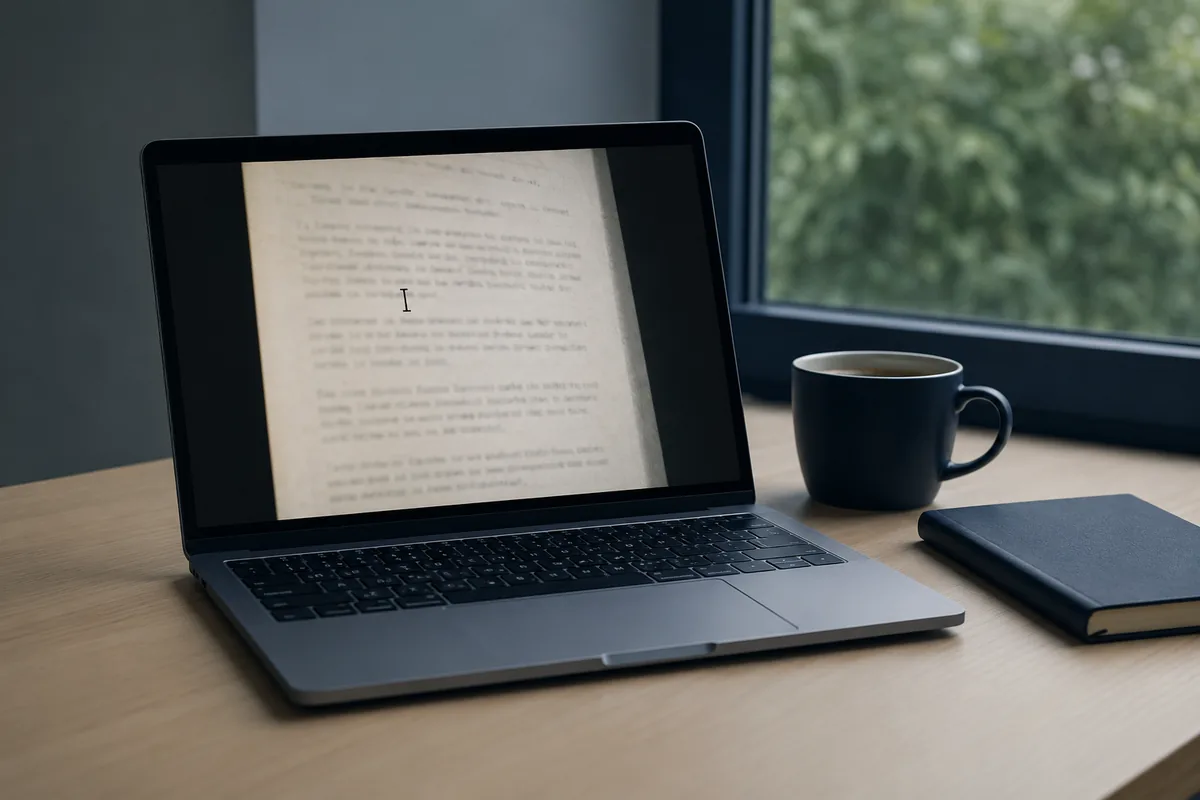
When you scan a page, none of that happens. The scanner is a camera. It takes a picture of the paper and saves the picture. To your eye the result is full of words, because your eye is very good at reading. To the file, it is a field of light and dark dots. There are no letters in there to click on, any more than there are letters in a photograph of a road sign. There is just an image that happens to look like writing.
So when Acrobat declines to let you edit it, it is not being difficult. It genuinely has no text to give you. You are asking it to change a word in a picture, and the word, as far as the file is concerned, is not a word at all. It is a shape.
This is also why a scanned page cannot be searched, why you cannot copy a paragraph out of it, why a screen reader falls silent on it. All of those things need the text to be there as text. In a scan, it simply is not.
How to Edit a Scanned PDF: Read the Image Back into Words
The way through is to give the page its words back. You read the image and turn the shapes into real, editable text again. That is the patient work underneath all of this, and it is exactly what the scanned-PDF tool is for.
In practice it is three steps:
1. Hand the scan to the edit a scanned PDF tool.
2. It reads the picture, recognises the writing, and lays the real text over a fresh page, roughly where it sat before.
3. Click into the line that is wrong, retype it, and save. Anything genuinely ambiguous is flagged for you to check against the original.
You hand it the scan. It looks at the picture the way you do, recognises the writing, and produces the actual text, laid over a fresh page in roughly the place it sat before. The date becomes a date you can click into. Your misspelled name becomes a word you can correct. The figure with the wrong number of zeros becomes something you can simply retype.
A scan can carry the marks of its making. A slight slant from how the paper sat on the glass, a softness where the focus drifted, a shadow down one edge. A good reading copes with that calmly, because it is reading the writing rather than expecting a clean printout. Where a word is honestly ambiguous, a smudged figure, a signature, a stamp half over the text, it is flagged rather than guessed at, so you can look at the original and decide. You stay the one making the change. The tool just turns the photograph back into something that will hold a cursor.
And here is how the reading itself works. To read the page, the image is sent to a model that does the reading, and we do not keep your images or use them to train anything. For the kind of paper that tends to need editing, the kind with names and figures and signatures on it, that matters.
The Calmer Way to Think About It
Most of the frustration with scanned PDFs comes from expecting them to be something they are not. Once you see the page as a photograph of text rather than text itself, everything it does makes sense. Of course you cannot click into it. Of course you cannot search it. It is a picture.
And once you know that, fixing it is no longer a fight with the software. It is one clear step: read the image back into words, make your change, and carry on. The wrong date gets corrected. The form gets filled. The letter goes out with your name spelled the way your mother spelled it. The scan stops being a wall and becomes a document again.
That is really all there is to it. Not a trick, not a workaround, just understanding what a scan actually is, and giving the page its words back.
A Few Questions People Ask
Why can I see the text but not select it?
Because what you are seeing is a picture of text, not text. Your eye reads the image effortlessly, but the file has only stored the image. There are no characters in it to select until you read them back out, which is what turns the picture into editable words again.
Will it keep the layout of the page?
It works to put the text back roughly where it sat, so the shape of the page survives. You can then tidy or adjust it. The aim is a page you can edit that still looks like the one you started with, not a wall of loose text.
Is my document private?
To read the page, the image is sent to a model that does the reading, and we do not keep your images or use them to train anything. Scanned contracts and forms are exactly the sort of documents you want handled with care, so it matters that nothing is kept and nothing is used for training.
Got a scan you need to fix? Edit a scanned PDF. Free to try.