Lecture Notes You Can Finally Search
The Night Before
First, the practical part: you can convert handwritten lecture notes to text in an evening and finally search a whole term at once. Photograph each page, let Swoosh read your scrawl into clean typed text beside the original, then tidy and export it (as plain text, Word, or Markdown if you like). Then read on for how, and why it rescues a revision week.
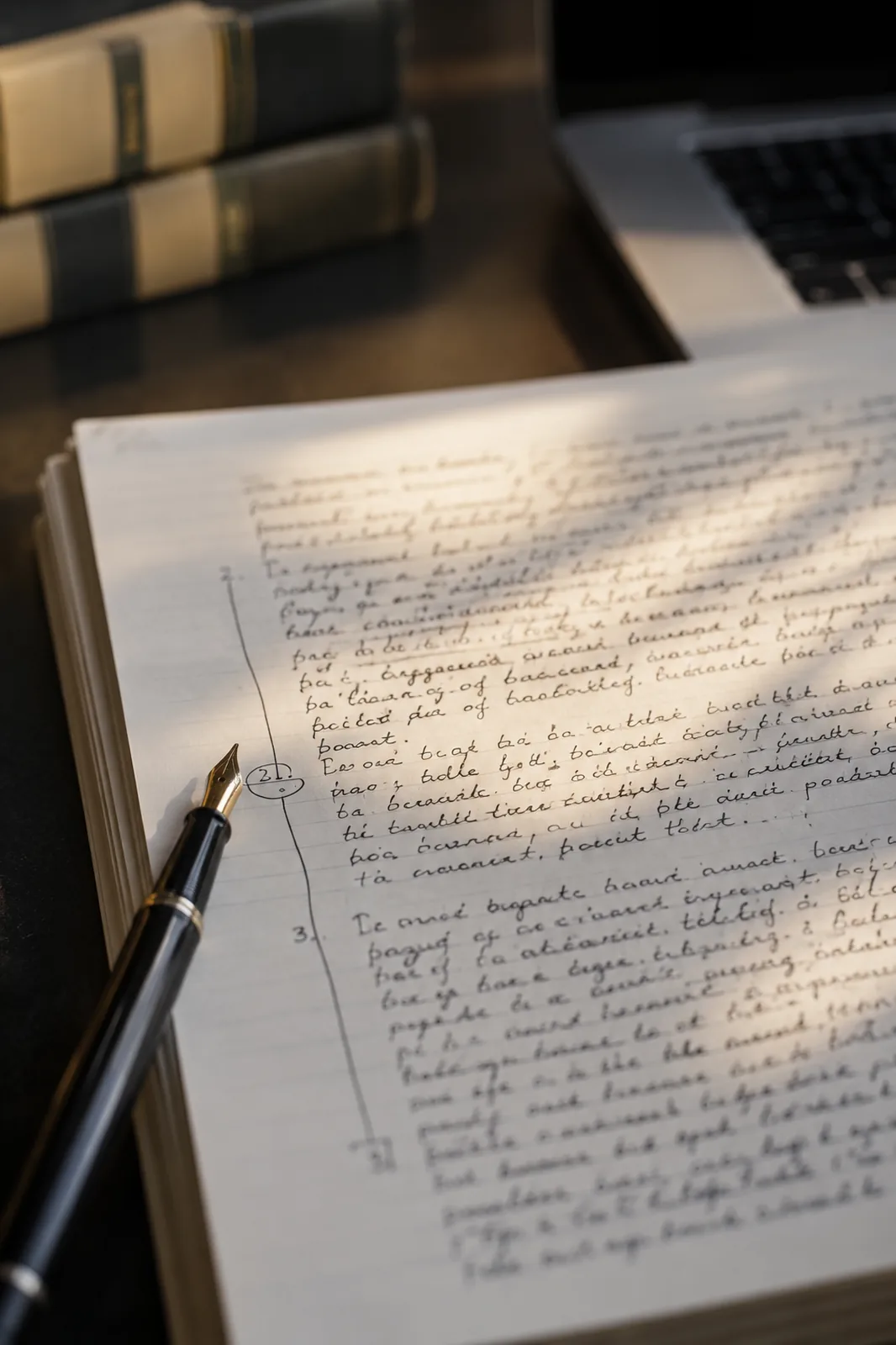
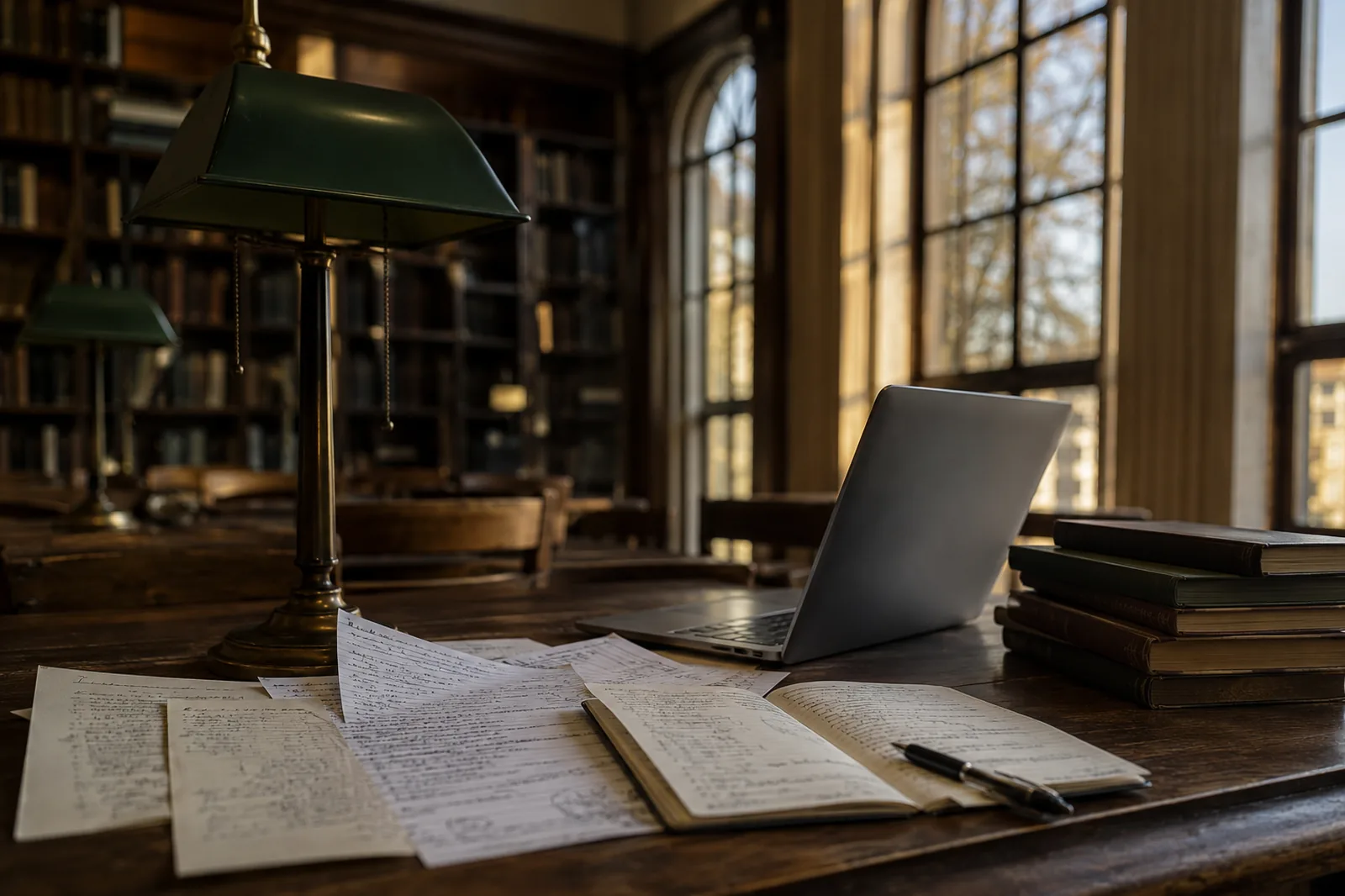
It is the night before, and the desk lamp is the only light left in the building. Around you, the whole term in paper. Twelve weeks of lectures in a hand that started the autumn neat and ended it slanting downhill, written faster than you could think, the last few pages more or less a record of panic.
You know the answer is in here somewhere. The bit on the third lecture, the one with the diagram you copied off the board before she rubbed it out. You can picture roughly where it is. Two thirds of the way down a page, near a coffee ring, after the part you underlined twice. What you cannot do, at eleven at night, is leaf through ninety pages to find it.
This is the small problem that quietly ruins a revision week. The notes exist. You simply cannot search them.
Photograph the Term, One Page at a Time
Start by getting the paper into pictures, and do it properly, because the reading is only ever as good as the photograph you feed it.
Find a flat surface and decent light. Daylight from the side of a window is best, but a bright room and a steady hand will do. Lay each page down on its own and fill the frame, leaving a thin margin all the way round so nothing important runs off the edge. Use your phone's ordinary camera rather than a scanning app. The native camera keeps the most detail, and detail is what makes a rushed hand readable.
Photograph the pages in order. It feels slow for the first few and then becomes a rhythm, a page every couple of seconds, the term going by under your hands. Diagrams matter as much as text, so do not skip the page that is mostly arrows and boxes. Keep them all in one folder on your phone, named for the module, so the whole lot travels together.
How to Convert Handwritten Lecture Notes to Text
Here is the method, end to end:
1. Photograph each page flat in good light, in order, leaving a thin margin so nothing runs off the edge.
2. Drop the photographs onto the handwriting tool and read the typed text beside your original, line for line.
3. Settle anything it has flagged as unclear by glancing back at the page.
4. Export the term as plain text, Word or Markdown, and keep the photographs in the same folder.
Drop the photographs onto the handwriting tool and your scrawl comes back as clean, typed text beside the original, line for line. You read the two together, the way you would check a transcription you cared about. Where a word is honestly unclear, a name you abbreviated, a symbol that could be two things, it is flagged rather than guessed at, so you glance back at the page and settle it yourself. You stay the one who knows what you meant.
Then comes the part that earns its keep. Export the lot, as plain text or, if you want structure you can link, as Markdown.
Markdown is just text with a light structure to it. A line that was a heading in your notes becomes a heading in the file. A list stays a list. It sounds dry, and then you open the folder of finished notes and realise what you have. Every lecture, in plain text, in order, fully searchable. The thing you could not do at eleven at night, leaf through ninety pages for one diagram, is now a matter of typing the word and watching it surface.
You can link the notes to each other, too. The lecture that referred back to week three can actually point at week three. Definitions can sit in one file and be reached from anywhere. A term of paper becomes something closer to a small private website of everything you were taught, and you built it in an evening.
<p class="pull">The notes were always good. They were just trapped in an order you could not search.</p>
What It Is Good for, and What It Is Not
It will not revise for you. Nothing will. What it does is remove the friction between you and your own work, so the hours you spend are spent thinking rather than hunting.
It is quietly brilliant for the things handwriting is bad at storing. Cross-referencing. Finding the one example the lecturer gave that you now need. Pulling every mention of a single idea out of a term and seeing them side by side. It is also, frankly, a kindness to your future self in a fortnight, when the notes have gone cold and you can no longer remember which page held what.
Keep the photographs alongside the Markdown, in the same folder. The pictures are your proof and your fallback. If a line ever reads oddly, the original is right there to check against, and the diagram you could not type out is preserved exactly as you drew it.
A Few Questions People Ask
Will it read my terrible handwriting?
It is built for handwriting, which is where ordinary scanning tools tend to give up. It reads the joins and the run of a line rather than matching each letter alone, so a fast hand is well within its range. Where something is genuinely ambiguous it flags it instead of inventing a word, and you decide.
Why Markdown and not just a document?
Because Markdown stays plain and portable. It opens in almost anything, it is light to search, and the headings and lists you already used become real structure you can navigate and link. You can always export to Word as well if you would rather; the point is that the structure survives.
Is any of this private?
To read the pages, the image is sent to a model that does the reading, and we do not keep your images or use them to train anything. Your notes are yours. They do not become part of a dataset.
Got a term of notes to find your way back into? OCR your notes. Free to try.